22% OFF
PicoFlix
PicoFlix
PicoFlix
PicoFlix
PicoFlix
PicoFlix
PicoFlix
PicoFlix
PicoFlix
PicoFlix
PicoFlix
PicoFlix
PicoFlix
PicoFlix
PicoFlix
PicoFlix
PicoFlix
PicoFlix
PicoFlix
PicoFlix
PicoFlix
PicoFlix
PicoFlix
PicoFlix
PicoFlix
PicoFlix
PicoFlix
PicoFlix
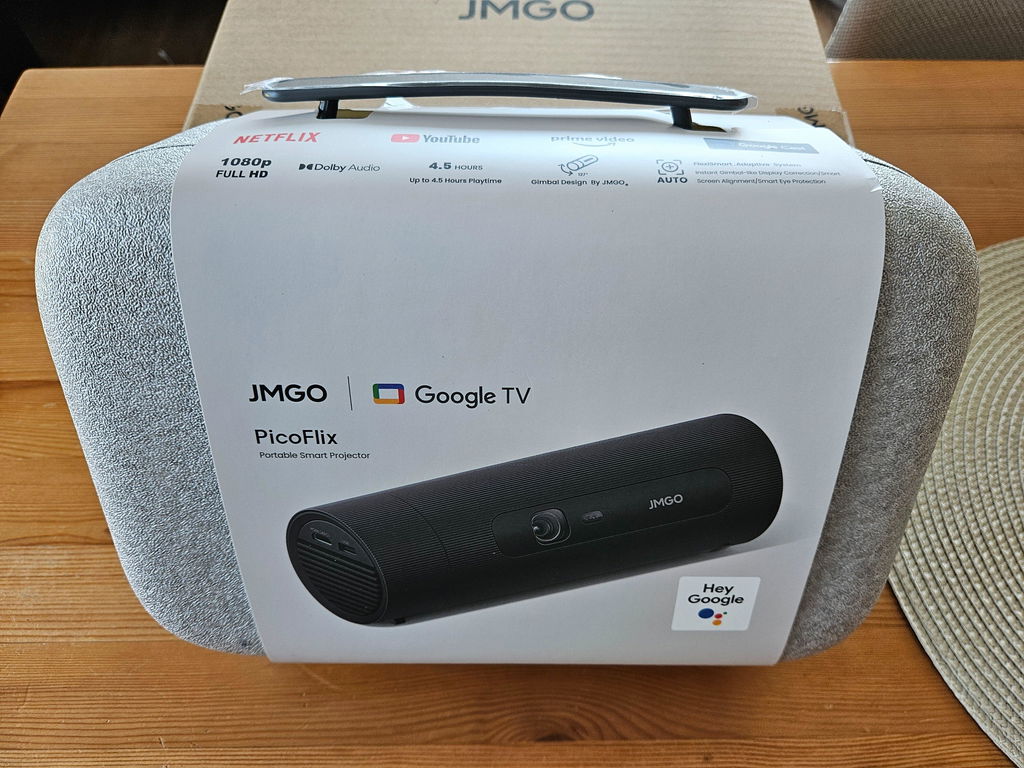
Für den Einsatz im Freien konzipiert 🔋4,5 Stunden Akkulaufzeit Tragbar 127° drehbarer Gimbal Google TV 1080p & 3D

PicoFlix

€349,00 €449,00
Save €100,00

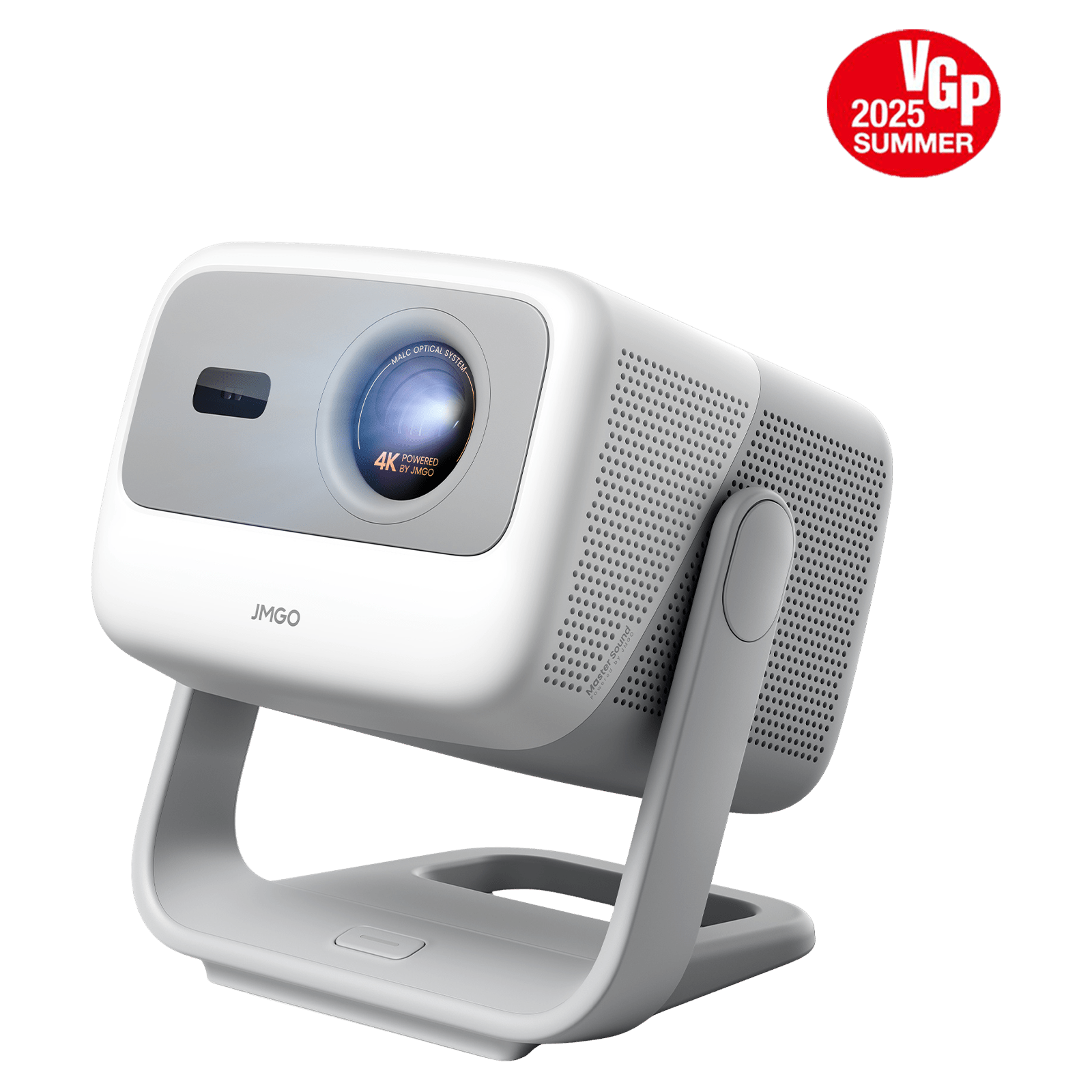
• Integriertes Google TV-System: Beinhaltet nativen Zugriff auf Netflix, YouTube, Prime Video und mehr – streamen Sie Ihre Lieblingsinhalte, ohne zusätzliche Geräte zu benötigen.

• Atemberaubende Bildqualität: Liefert 420 ISO-Lumen Helligkeit, unterstützt HDR10 und bietet eine Full-HD-Auflösung von 1080p für gestochen scharfe und lebendige Bilder.

• Flexible 45°-Gimbal-Projektion: Dank des verstellbaren Designs können Sie problemlos auf Wände, Decken oder in jeden beliebigen Winkel projizieren – perfekt für jedes Setup.

• Leistungsstarker eingebauter Akku für echte Mobilität: Ausgestattet mit einem internen Akku mit hoher Kapazität von 10.000 mAh bietet dieser kompakte Projektor (etwa so groß wie eine Flasche) bis zu 4,5 Stunden ununterbrochenes Filmvergnügen – ganz ohne Stromanschluss, auch unterwegs.

• Problemlose Einrichtung: Autofokus und automatische Trapezkorrektur sorgen innerhalb von Sekunden für ein perfekt ausgerichtetes und scharfes Bild.

Option
PicoFlix
PicoFlix PicoFlix
€449,00
€349,00
€449,00
€349,00
22% off
PicoFlix Gratis-3D-Brillen-Bundle
PicoFlix Gratis-3D-Brillen-Bundle PicoFlix Gratis-3D-Brillen-Bundle
€469,00
€349,00
€469,00
€349,00
25% off
PicoFlix 100-Zoll-Leinwand-Bundle
PicoFlix 100-Zoll-Leinwand-Bundle PicoFlix 100-Zoll-Leinwand-Bundle
€559,00
€419,00
€559,00
€419,00
25% off

Quantity

Exclusive Launch Offer · 30–50% OFF Screens · Auto-Applied

Choose a variant for Aktive 3D-Shutterbrille
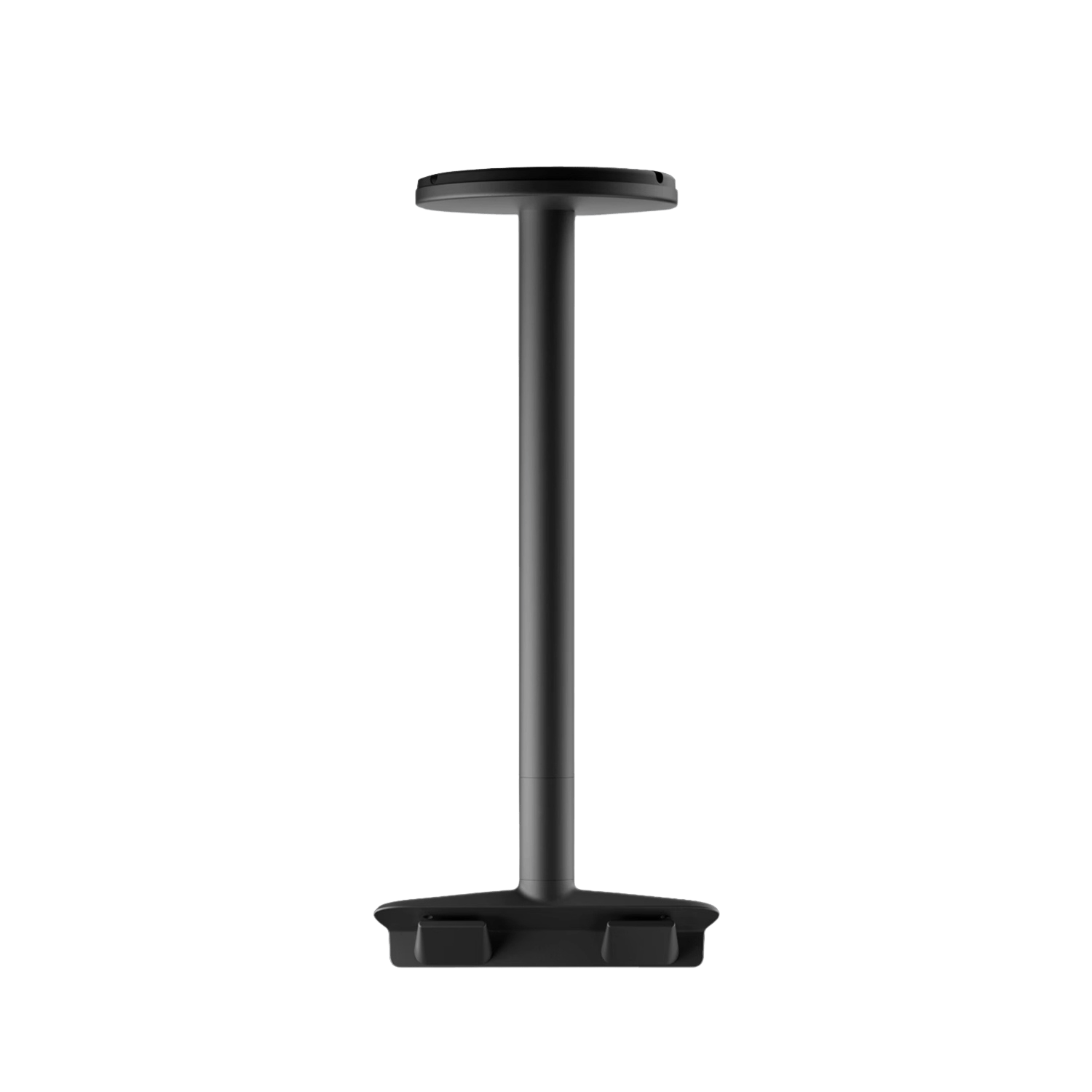
Choose a variant for JMGO Projektor-Bodenständer für Mini-Projektor

Benachrichtigung bei Verfügbarkeit

Geben Sie Ihre E-Mail-Adresse ein. Wir benachrichtigen Sie, sobald dieses Produkt wieder auf Lager ist.

Sie werden benachrichtigt

Sie stehen auf der Liste!

30-Day Money-Back Guarantee

30-Day Money-Back Guarantee

12-month Hassle-Free Warranty

12-month Hassle-Free Warranty

Safe & Secure Checkout

Safe & Secure Checkout

Share

Loading profile image...

Loading author...

Loading title...

Loading profile image...

Loading author...

Loading title...

Loading profile image...

Loading author...

Loading title...

PicoFlix Highlights
PicoFlix Highlights

What The Experts Say

What The Experts Say

“My favorite projector from last year, the JMGO N1 Ultra, is set to receive an upgrade at IFA 2024 in Berlin. The JMGO N1S Ultimate is the company’s new flagship projector, offering similar smart features, the same brilliant design with a built-in gimbal system, and more.”
“The JMGO N1S Ultimate is a new projector with quite high brightness and 4K resolution. The model comes with smart functions and is therefore not dependent on an external player. The stand is not the only thing that makes it easy to set up.”
“The JMGO N1S Ultimate sits on a gimbal stand for placement flexibility, with its Multi Adaptive System adjusting visuals for easy setupJMGO”
“With 3,500 ANSI lumens in its arsenal, you can't help but feel it's bright enough to project a movie directly onto the sun. It's certainly what you need if you plan on doing any projection outdoors in the daytime.”
“The JMGO N1S Ultimate 4K boosts its usefulness with Google TV and official Netflix. Its 3500-lumens brightness means it can work practically anywhere, while making the most of HDR content, delivering bright, richly coloured scenes.”
“JMGO’s N1S Ultimate Could Make Your TV Obsolete: The Future of Home Projection at IFA 2024”

Immerse In Every Movie Moment

Immerse In Every Movie Moment

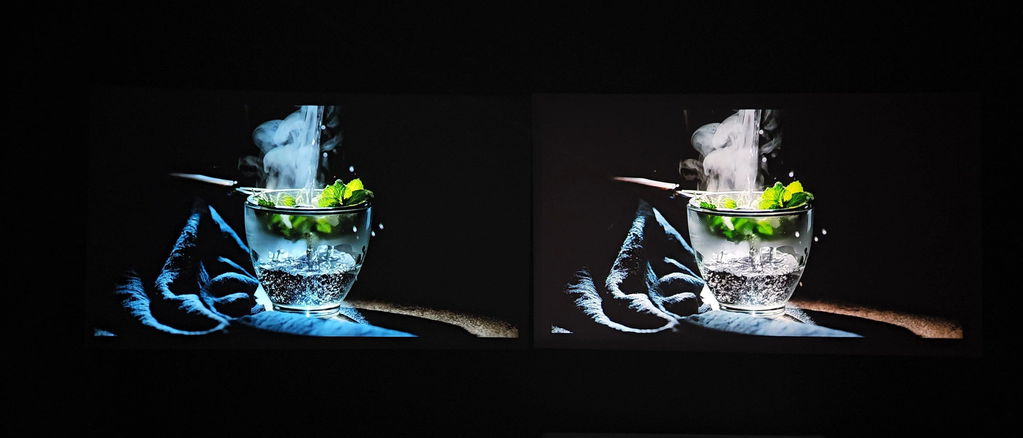
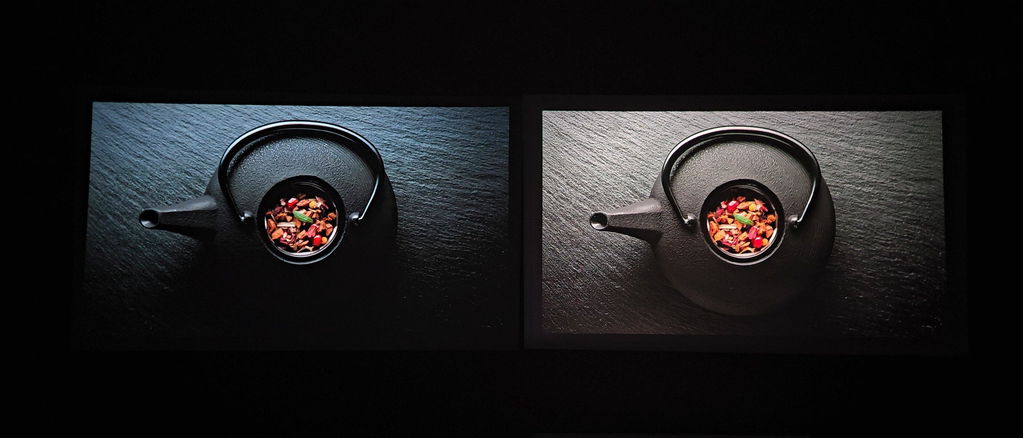
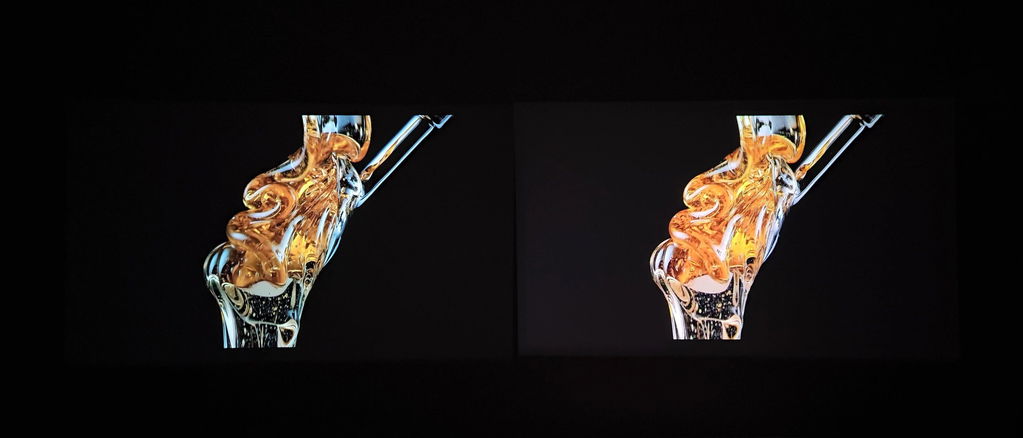
Every Beam Unleashes A Riot Of Dazzling Colors. More Colorfu, More Realistic, More Stereoscopic.
Simply hold the voice button to speak your command, release to stop. Enjoy smarter, faster control with just your voice!
Enjoy a comfortable viewing experience with JMGO N1S Picoflix's low blue light technology, reducing eye strain for longer, relaxing movie nights.
Every Beam Unleashes A Riot Of Dazzling Colors. More Colorfu, More Realistic, More Stereoscopic.
Simply hold the voice button to speak your command, release to stop. Enjoy smarter, faster control with just your voice!
Enjoy a comfortable viewing experience with JMGO N1S Picoflix's low blue light technology, reducing eye strain for longer, relaxing movie nights.

Uitimate Portability

Your Cinema on The Go

Endless Power, Endless Fun

4.5 hours

10,000 mAh

Endless Power, Endless Fun

4.5 hours

10,000 mAh

Flawless Projection, No Matter the Angle

Capture every moment with ease, as though JMGO PicoFlix's gimbal technology ensures flawless projection at any twist and turn.

Watch More, Discover More

Discover over 10,000 apps offering
moviesshows,live TV,sports, fitness, and music.

Google Cast Built-In

Easily Cast Movies, Shows, Photos and More from Your Phone or Tablet Right to Your Projector.

Bigger Picture, Better Experience

Bigger Picture, Better Experience

Big Screen, Big Delight

Compared to an 85'' TV, the PicoFlix projector effortlessly delivers a vivid 120'' HD display for a more immersive experience.

Smart Eye Protection

Experience better eye comfort with Smart Eye Protection, designed to reduce strain and provide a more enjoyable viewing experience.

Easy Setup with Adaptive System

With the FlexiSmart Adaptive System, enjoy easy setup featuring gimbal auto image correction, lossless zoom, and smart screen alignment for a perfectly sharp and seamless viewing experience.

Versatile Viewing

Versatile Viewing

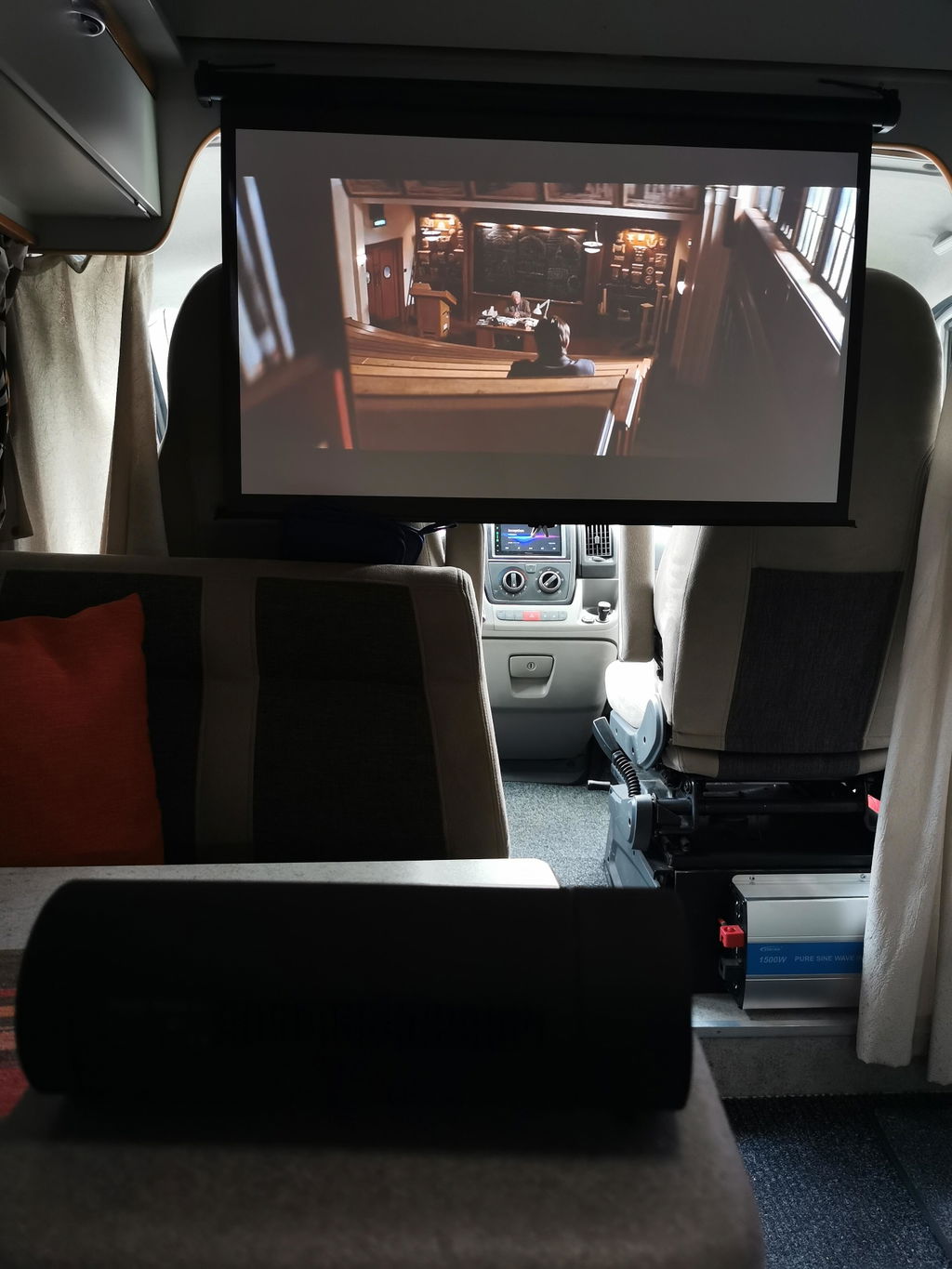
No matter if it's fitness, camping, or home office, PicoFlix provides a flexible, smooth and efficient projection experience to suit all your needs

Specs

Helligkeit

420 ISO Lumen

Bildgröße

40"-200"

Lampenlebensdauer

25000 Stunden

Lichtquelle

LED

Kontrastverhältnis

400:1

Projektormodus

Frontprojektion, Rückprojektion, Deckenprojektion, Rückdeckenprojektion

Konnektivität

1x HDMI 2.0 (eARC), 1x USB-A 2.0, 1x USB Typ-C

Auflösung

1080p Full HD

Wurfverhältnis

1.2:1

Displaytechnologie

DLP

HDR

HDR 10

3D-Wiedergabe

Unterstützung

Projektionswinkel

127°-Grad-Einstellung

Stromverbrauch

65 W

Batteriekapazität

Bis zu 4,5 Stunden Spielzeit [Energiesparmodus]

OS

Google TV mit nativem Netflix

Intelligente Funktionen

Automatische Trapezkorrektur, Sofortiger Autofokus, Intelligenter Augenschutz

Abmessungen

80 mm × 80 mm × 240 mm

Lautsprecher

10 W

Gewicht

3.3 lb/1.5 kg

W-lan

Wi-Fi 5

Bluetooth

BT 5.4

Geräuschpegel

<26dB

RAM

2 GB

ROM

16 GB

Bluetooth

BT 5.4

Frequently Asked Questions
How do I power on the JMGO PicoFlix?

JMGO PicoFlix can be switched on by pressing the power button on the machine itself.

How do I power off the JMGO PicoFlix?

There are 3 ways to switch off the JMGO PicoFlix:

  1. Long press and hold the power button on the machine for 5 seconds and release it to power off the JMGO PicoFlix.
  2. Long press the power button on the remote control and select power off option
  3. If the power adapter is disconnected and there is no operation or activity for more than 10 minutes, it will enter sleep mode automatically and be powered off after another 20 minutes.
Which installation methods are supported by the JMGO PicoFlix?

JMGO PicoFlix supports front projection, side projection, and ceiling-mounted projection methods. Special brackets are required for ceiling-mounted installations.

How do I adjust the brightness of the light source on JMGO PicoFlix?
  • JMGO Picoflix supports three brightness modes to enjoy an energy-efficient and eco-friendly experience. Enter [Settings>Display & Sound>Picture>Light Brightness], and you will find the three mode options: Increased mode, Standard mode, and ECO Mode.
  • Select the brightness mode that best suits your needs, and easily adapt to different viewing environments.
  • You can also adjust the brightness manually in [Settings>Dashboard>Picture>Light Brightness]. (Brightness ranges from 1 to 10)
  • If you enable [Auto Mode] under the [Other options] menu, the system will intelligently detect the device's current battery level and automatically adjust the brightness mode.
How do I perform a factory reset on JMGO PicoFlix?

Please enter [Settings>System>About>Reset>Factory Reset]. This feature will restore your device to default settings and erase all data, accounts, files and downloaded apps.

How to enable 3D mode on JMGO PicoFlix?
  • While playing a 3D-compatible movie or video, press the「Setting」button on the remote control.
  • Enter the Settings>Dashboard>Picture>3D Mode, and select the corresponding 3D format to combine the images.
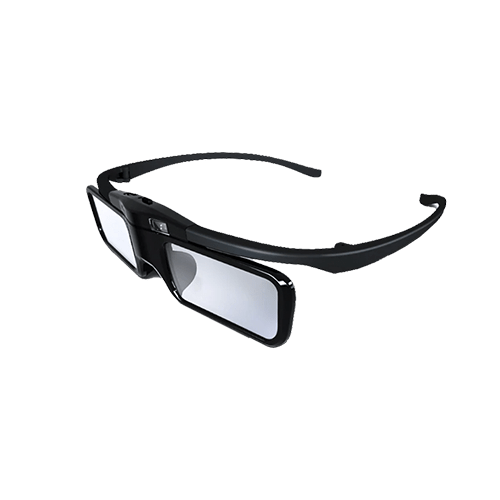
  • Turn on the active shutter 3D glasses and enjoy the movie or video.
Can I connect the JMGO PicoFlix to streaming devices such as Fire Stick, Roku Stick, and Apple TV?

Yes. Please make sure to use compatible cables that are able to carry and transmit 1080P signals effectively.

Can I charge JMGO PicoFlix by connecting an external power bank?

Yes. But please make sure it meets standard protocol requirements as follows: PD3.0, 65W (20V/3.25A).

Does the JMGO PicoFlix support HDMI CEC?

Yes. The CEC function is forcibly enabled by default at the Google TV system level. You only need to connect an external device that supports the CEC function via an HDMI cable to use it. You can also customize it on the system settings [Settings>Inputs>CEC>HDMI Automatic Switch].

What is the body material of the JMGO PicoFlix?

The JMGO PicoFlix is mainly made of metal and designed with a shell texture.

What is the lens material of the JMGO PicoFlix ? Resin or glass?

JMGO PicoFlix adopts a resin & glass lens. Resin has better light transmission and glass has better heat resistance. The combination of the two creates a projection lens that can achieve the best optical performance.

Are there hanging screw holes at the bottom of the JMGO PicoFlix?

There is a universal 1/4 screw hole at the bottom of the JMGO PicoFlix.